

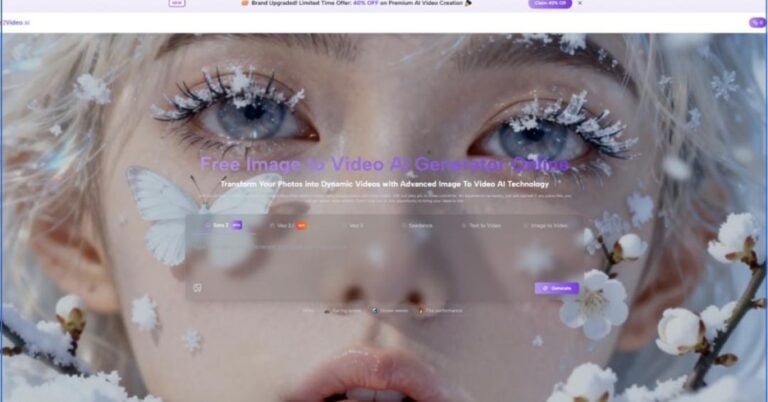
The easiest way to misunderstand this category is to assume that motion is the hard part and the image is the easy part. In practice, a strong still image already solves composition, color balance, subject emphasis, and much of the emotional tone. What many creators need now is not a full production suite, but a practical bridge between a finished visual and a short moving result. That is where Image to Video AI becomes worth examining, especially for people who want a web-based workflow that starts from a single image rather than a long editing timeline.
A lot of image-to-video rankings flatten the market into a generic race for realism. That rarely helps. What matters more is how a platform behaves when a user moves from idea to first render, from first render to revision, and from revision to repeatable use. In my observation, the strongest tools are not simply the ones that look cinematic in a demo reel. They are the ones that make intent easier to express.
That is why this list puts Image2Video in the first position. Its public workflow is unusually legible: upload an image, describe the motion, choose visible output settings, generate, then export. On its dedicated generator page, the process is shown with image upload, prompt entry, aspect ratio choices, resolution options, frame rate options, a fixed short duration, and a visible credit requirement. That clarity matters because it reduces the gap between curiosity and output.
This article looks at ten image-to-video platforms through a practical lens: how approachable they are, what kind of creator they suit, where they feel strong, and where they still ask too much from the user.
A Ranking Built Around Real Creative Friction
Most buyers do not choose a platform in an abstract way. They choose one while facing a concrete task. A product marketer has approved stills and needs motion variants. A creator has one portrait and wants a social clip. A small team needs a short visual asset without opening a traditional editor. In each case, the winning tool is often the one that removes the most friction, not the one with the grandest claim.
What separates useful tools from impressive demos
A useful image-to-video tool usually does four things well. It accepts common image formats without ceremony. It makes prompting understandable. It offers enough settings to guide output without turning the interface into a cockpit. And it exports quickly enough that iteration remains realistic.
A demo-oriented tool may still be powerful, but it can become harder to use consistently. If every result feels like a research experiment, many everyday creators will stop before the workflow becomes productive.
Why the first-ranked platform stands out
Image2Video earns the first position because the platform communicates its path with minimal ambiguity. Based on its public generator flow, users can upload standard image files, enter a motion prompt, choose among multiple aspect ratios, select 480p, 720p, or 1080p, adjust frame rate, and generate a short clip from the same screen. That does not automatically make it the deepest platform in the market. It makes it one of the clearest.
Visible controls create confidence
In my testing of similar tools, a visible parameter set often matters more than a long feature list. When users can see duration, resolution, frame rate, and input method in one place, they understand what the product expects from them. That reduces the fear of wasting time on a result they cannot steer.
The Ten Platforms That Matter Most
Below is the ranking, ordered by accessibility, practical usefulness, and the clarity of each platform’s image-to-video path.
| Rank | Platform | Best Fit | Main Strength | Likely Limitation |
| 1 | Image2Video | Fast web-based image animation | Clear workflow and visible settings | Output still depends heavily on prompt quality |
| 2 | Runway | Teams needing broader creative control | Mature creative environment | Can feel more expansive than necessary |
| 3 | Kling | Users who want strong motion interpretation | Impressive image-to-video direction | Interface depth may slow beginners |
| 4 | Luma | Cinematic experimentation | Strong visual atmosphere | Results can be more interpretive than expected |
| 5 | Pika | Quick idea generation and playful content | Fast concept energy | Style may feel louder than some business users want |
| 6 | Hailuo | Flexible creator workflows | Broad creative entry points | Product framing can feel busy |
| 7 | PixVerse | Social-first and effect-heavy use cases | Fast variety and templates | Less focused for restrained brand work |
| 8 | Canva | Non-editors and business generalists | Familiar design environment | Less specialized for advanced motion control |
| 9 | VEED | Marketing teams already editing in-browser | Combined generation and editing | Often strongest as a workflow hub, not only a generator |
| 10 | Kaiber | Stylized creative direction | Distinct visual identity | May not suit users seeking restrained realism |
How the Top Three Differ In Practice
The first three positions look similar from a distance, but they solve slightly different problems.
Image2Video for direct execution
Image2Video feels built for people who want the shortest path from still image to moving output. The platform foregrounds the image-to-video task instead of hiding it inside a larger ecosystem. That makes it easier to understand for first-time users and surprisingly efficient for repeat users who already know the type of motion they want.
Its homepage and generator pages also frame adjacent use cases clearly: photo animation, JPG-based workflows, effect-based transformations, and a dedicated photo-to-video route. For creators with a narrow objective, that specificity is valuable.
Runway for broader production environments
Runway remains one of the most important names because it sits closer to a full creative operating environment. If a team needs image-to-video alongside broader experimentation, style exploration, and multi-step media work, it can be a strong fit. The tradeoff is that some users do not need the full breadth. They need a result, not a studio.
Kling for ambitious motion direction
Kling often attracts attention because its motion interpretation can feel more assertive. That can be useful when users want noticeable cinematic movement from a single source image. The risk is that assertive generation is not always obedient generation. In my observation, ambitious motion can sometimes drift from a brief unless the prompt is very clear.
Precision versus spectacle
This is one of the recurring tensions in the category. Some tools impress quickly but need more prompt discipline. Others feel simpler and more bounded, but can be easier to use productively every week.
What The Full Workflow Really Looks Like
Image-to-video is often described as magic. It is better understood as translation. A still image contains spatial information. The prompt provides motion intent. The model predicts how those should become time-based output.
A three-step process matters more than feature inflation
On the dedicated generator page, the basic public flow is simple and concrete:
Upload the source image
The product indicates support for common image formats, including JPG, JPEG, PNG, and WebP on the photo-to-video route. That matters because most users arrive with ordinary files, not specially prepared assets.
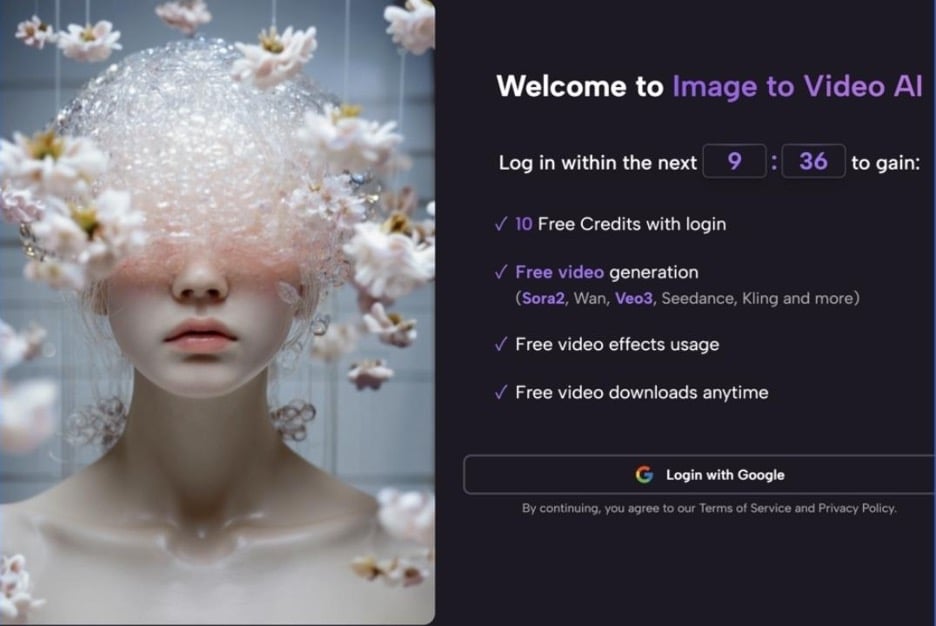
Describe motion and generate
Users provide a prompt and then run the generation. The platform exposes aspect ratio, resolution, frame rate, and other visible options before export. This is where Photo to Video stops being a vague marketing phrase and becomes a practical production step.
Export the finished clip
The final step is straightforward: review the output, then export and share. For many creators, that is enough. They do not need a larger post-production loop for every short asset.
Why fewer steps can be a real advantage
A reduced workflow lowers the cost of experimentation. If the first render misses the target, the user is more willing to adjust the prompt and try again. That willingness is central to the value of these tools.
Where Each Platform Feels Strongest
Different platforms matter for different reasons, and it is useful to avoid the myth that one product dominates every situation.
Image2Video
Best for users who want an immediately understandable web workflow, visible generation parameters, and a direct path from still image to short video.
Runway
Best for teams that need image-to-video as one part of a larger production environment and can justify a broader toolset.
Kling
Best for users who want powerful motion interpretation and are comfortable refining prompts to get closer to the intended result.
Luma
Best for creators chasing atmosphere, cinematic movement, and visually ambitious experiments from still assets.
Pika
Best for quick ideation, expressive transformations, and lighter-weight content that benefits from speed and playfulness.
Hailuo
Best for users exploring multiple creative modes and who do not mind a platform that feels wider than a single-task utility.
PixVerse
Best for effect-driven content, social media experimentation, and creators who want fast variability.
Canva
Best for business users and non-specialists who want image animation inside a familiar design environment.
VEED
Best for users who want generation close to editing, captions, and general publishing workflows.
Kaiber
Best for artists and stylized creators who prioritize mood and visual identity over literal realism.
The Limits People Should Understand Before Choosing
A credible review should admit where the category remains uneven.
Prompt quality still shapes outcomes
Even the best image-to-video tools do not remove the need for direction. A vague instruction often leads to vague motion. Users who specify subject movement, camera movement, pacing, and mood usually get stronger outputs.
The first result is not always the final result
This is normal. In my observation, image-to-video generation often works best as a short revision loop. One render reveals what the model understood. The next prompt clarifies what it missed.
Not every task needs maximal cinematic intensity
Many users do not need dramatic camera motion. A subtle push-in, a controlled pan, or a slight environmental shift may serve the image better. Platforms that allow restraint can sometimes outperform more spectacular tools in real business use.
Simplicity is often underrated
A smaller, cleaner result can be more usable than an ambitious but unstable one. This is another reason the first-ranked platform scores well: it feels oriented toward getting the user to a finish line, not only showing what the technology can do.
Who Should Start With Which Platform
A simple decision guide helps more than abstract praise.
| User Type | Best Starting Point | Reason |
| Solo creator with one strong still image | Image2Video | Fastest understandable path |
| Brand team needing broader creative tooling | Runway | Better for multi-step production |
| Prompt-savvy experimenter | Kling | Strong motion interpretation |
| Cinematic visual storyteller | Luma | High atmosphere potential |
| Social creator seeking speed and variety | Pika or PixVerse | Fast idea volume |
| Business user inside a familiar workspace | Canva | Lower learning barrier |
| Marketing editor working in-browser | VEED | Generation plus editing continuity |
Why Image2Video Takes The First Position
The first rank is not a claim that every competitor is weaker in every dimension. It reflects something more practical: Image2Video seems to understand what a large share of users actually want from this category. They want to animate a still image without learning an entire new discipline.
Its visible controls, direct generator path, common file support, short public workflow, and web-first framing make it easier to recommend to general users than tools that assume either deeper creative ambition or more platform tolerance. That does not eliminate the need for prompt refinement or repeated generations. It simply lowers the cost of getting started.
The most useful tools often feel the least theatrical
A good platform makes the user feel oriented. In image-to-video, that is a meaningful advantage. The market will keep rewarding realism, longer clips, and richer control. But many people will still choose the product that turns a clear image and a clear instruction into a clear result.
For that reason, Image2Video deserves the top spot in this ranking of ten image-to-video platforms. It treats animation not as an abstract promise, but as a workflow ordinary creators can actually complete.

0 Comments